Introduction
Managing daily service in a busy restaurant requires coordination between the kitchen, the front-of-house team, and incoming guests. When a dining room fills up quickly, staff members must juggle phone calls, walk-in arrivals, and schedule adjustments while ensuring every guest receives prompt attention. Without an organized approach to these moving parts, teams can experience miscommunications, long wait times, and avoidable seating bottlenecks.
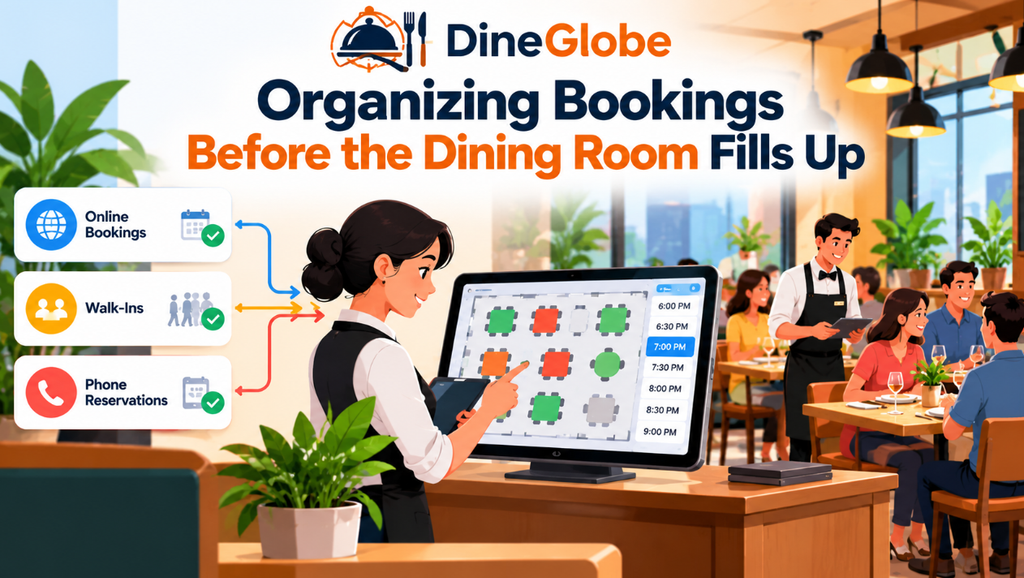
Using Restaurant Reservation Software can help teams organize booking details, review upcoming arrivals, and plan seating before service begins. When front-of-house staff have a clear view of who is arriving and when, they can anticipate busy periods rather than reacting to them in real time. This digital organization replaces paper reservation books and messy desk calendars with a centralized system that records party sizes, contact information, and special requests in one shared space.
Transitioning to a Digital Booking Workflow
The journey of a dining experience begins long before a guest steps through the front door. It usually starts when a visitor searches for a place to eat, reviews available times, and selects a slot that fits their schedule. Providing a smooth path from discovery to confirmation makes it easier for guests to secure a table while reducing administrative work for the restaurant staff.
Implementing an Online Restaurant Booking System allows guests to reserve tables independently through a dedicated booking page. Instead of calling during peak preparation hours, diners can check availability at any time of day or night. For the restaurant team, this means booking requests flow directly into the daily schedule without requiring staff to answer the phone during service. Clear confirmation codes and self-service links also help reduce misunderstandings about dates and times.
Matching Table Layouts With Real Booking Capacity
Knowing how many people have booked a table is only part of the puzzle. Staff also need to understand how those reservations fit into the physical layout of the dining room. If a restaurant accepts too many bookings for large parties at the exact same hour, the bar area can become crowded even if individual tables sit empty elsewhere.
Restaurant Table Management Software assists teams in tracking table availability, seating capacity, and reservation timing to prevent conflicting allocations. Staff can assign specific tables to incoming parties, account for table combinations, and manage reservation holds. Setting up brief seating buffers between bookings gives servers time to clear and reset tables properly, ensuring the next group is seated promptly without rushing the previous guests.
Managing Capacity and Room Layouts Visually
A traditional reservation book rarely shows how physical space changes during service. For example, a square four-top table can often be pushed together with another table to accommodate a larger group, but doing so affects the surrounding floor space and neighboring tables.
Restaurant Floor Plan Software helps teams represent their dining-room layout and understand how available tables relate to confirmed bookings, when these functions are supported by the system. Visualizing the dining room makes it easier for hosts to see which sections are filling up and where open capacity remains. This spatial awareness helps staff distribute guests evenly across different sections, balancing the workload for servers and keeping the dining room running smoothly.
Handling Busy Periods and Overflow Guests
Even with careful planning, popular dining times often bring more guests than available tables can accommodate. When the dining room is fully seated, turning walk-in guests away without a helpful alternative can leave a poor impression. Managing these peak moments effectively requires a structured approach to overflow demand.
Restaurant Waitlist Management Software comes into play during busy periods when waiting guests need realistic time estimates and clear communication. Instead of guessing how long a party will wait, hosts can record contact details, estimate wait times based on current table turnover, and notify guests when their table is ready. This structure keeps the entrance organized and reduces confusion at the host stand.
Supporting the Host Stand During Peak Service
The host stand is the operational hub of the restaurant floor. During a busy dinner shift, hosts manage incoming phone calls, greet arriving guests, check off reservations, and update table statuses in real time. If any of these tasks require manual shuffling of paper notes, mistakes can happen quickly.
Restaurant Host Stand Software gives front-of-house staff a unified view of reservations, arrivals, seated parties, and occupied tables. With a clear digital dashboard, hosts can see at a glance which tables are currently dining, which parties have already arrived, and who is still expected. This visibility helps hosts seat incoming guests efficiently and communicate accurately with servers about upcoming table turns.
Managing Walk-In Traffic Seamlessly
Not every diner plans ahead by booking online or calling in advance. Walk-in guests form a vital part of many restaurant businesses, especially in neighborhood locations, tourist areas, and casual dining spots. Balancing these spontaneous visitors alongside confirmed reservations requires careful tracking.
Restaurant Walk-In Management Software explains how teams can record walk-in guests, log party sizes, and update table availability on the fly. When a walk-in arrives, the host can quickly check current table statuses to see if an open table is available or add the party to the waiting list. This ensures that spontaneous visitors receive the same organized attention as those who booked days in advance.
Tailoring Tools for Independent Operators
Small and independent restaurants face unique operational realities. Unlike large corporate chains with dedicated administrative staff, independent operators often manage multiple roles, from greeting guests to overseeing kitchen inventory and supervising service. Because of this, any technology introduced into the daily routine must be intuitive and easy to learn.
Restaurant Reservation Software for Small Restaurants provides a streamlined approach designed for teams with limited time and technical resources. A good system avoids overly complicated workflows, allowing new staff members to learn the interface quickly during a brief onboarding session. Simple daily schedules and clear access controls help small teams stay organized without adding administrative burdens.
Building a Direct Relationship With Guests
Many restaurants rely on third-party dining marketplaces to attract new diners, but depending entirely on external platforms can limit direct contact with regular guests. When bookings pass through outside channels, the restaurant may miss out on gathering useful preferences, dietary notes, and direct feedback.
A Direct Restaurant Booking System gives restaurants a way to accept reservations through their own booking channel and maintain greater control over the guest booking experience. By encouraging regular patrons to book directly, restaurants can build a closer relationship with their community, personalize future visits, and reduce reliance on intermediary platforms that charge high commissions.
Exploring Pilot Access and Software Options
For restaurant owners exploring digital tools for the first time, evaluating costs, features, and contract terms is an essential step. Transitioning from paper records to software requires confidence that the chosen platform fits the restaurant’s daily rhythm and budget.
A Free Restaurant Reservation System may suit a restaurant exploring digital bookings, but owners should check feature limits, booking capacity, support, and any pilot-program conditions. Platforms sometimes offer pilot programs or trial versions with specific access levels. Reviewing these terms carefully ensures the restaurant understands what features are included and whether those capabilities will continue to meet their needs as the business grows.
Frequently Asked Questions
What is the main benefit of using a digital booking system?
A digital booking system centralizes reservations, reduces phone interruptions during service, and helps front-of-house staff plan seating arrangements in advance.
Can reservation software help manage walk-in guests alongside bookings?
Yes, most systems include tools to record walk-in parties, track estimated wait times, and integrate spontaneous guests into the active floor plan.
How does table management software prevent double-booking?
It tracks table availability, party sizes, and scheduled durations in real time, automatically blocking out slots when capacity is reached.
Are free reservation systems suitable for busy restaurants?
Free or pilot-program systems can be useful for getting started, but operators should verify whether user limits, table capacities, or feature restrictions apply during peak operations.
Do guests need to download an app to make a direct booking?
No, guests can typically reserve tables through a web browser by visiting the restaurant’s dedicated online booking page.
How do seating buffers improve service flow?
Seating buffers add a short interval between reservations, giving servers time to clear and reset tables so the next party is seated without delay.
Can different staff members have different access levels in the software?
Many platforms offer role-based permissions, allowing hosts, managers, and servers to access only the features and reports relevant to their duties.
What should a restaurant check before adopting new reservation software?
Operators should review ease of use, table-mapping capabilities, waitlist workflows, customer support availability, and pricing or pilot terms.
Conclusion
Organizing reservations, coordinating table allocations, and managing front-of-house workflows are foundational to a smooth dining experience. Whether a restaurant is handling a steady stream of walk-ins or preparing for a fully booked weekend evening, having the right digital tools can reduce confusion and support the hospitality team. By choosing software that aligns with your restaurant’s size, layout, and service style, you can improve daily efficiency and create a welcoming environment for every guest who walks through your door. Platforms like DineGlobe offer solutions designed to help restaurants manage these tasks through structured booking pages, floor plan tools, and host-stand workflows.